Muse invite code: 1 billion tokens for you and a friend
Enter the code in Settings within 48 hours of creating your account.
Invite code: MYI9YIMeta’s personal AI agent, Muse, became available in Japan on October 23, 2026. Japan is the first place outside North America to get it, so if you live here, you can sign up today with a Japanese phone number or an email address.
If you’re about to start, don’t skip the invite code. Enter it in Settings within 48 hours of creating your account, and both you and the person who invited you receive 1 billion Muse tokens. The window is short, so it’s easiest to do it right after you log in.
Our invite code is MYI9YI. When it’s used, this site also receives tokens.
Last checked: October 25, 2026 (Meta’s announcements, the Meta Help Center and muse.ai)
How to sign up and enter the invite code
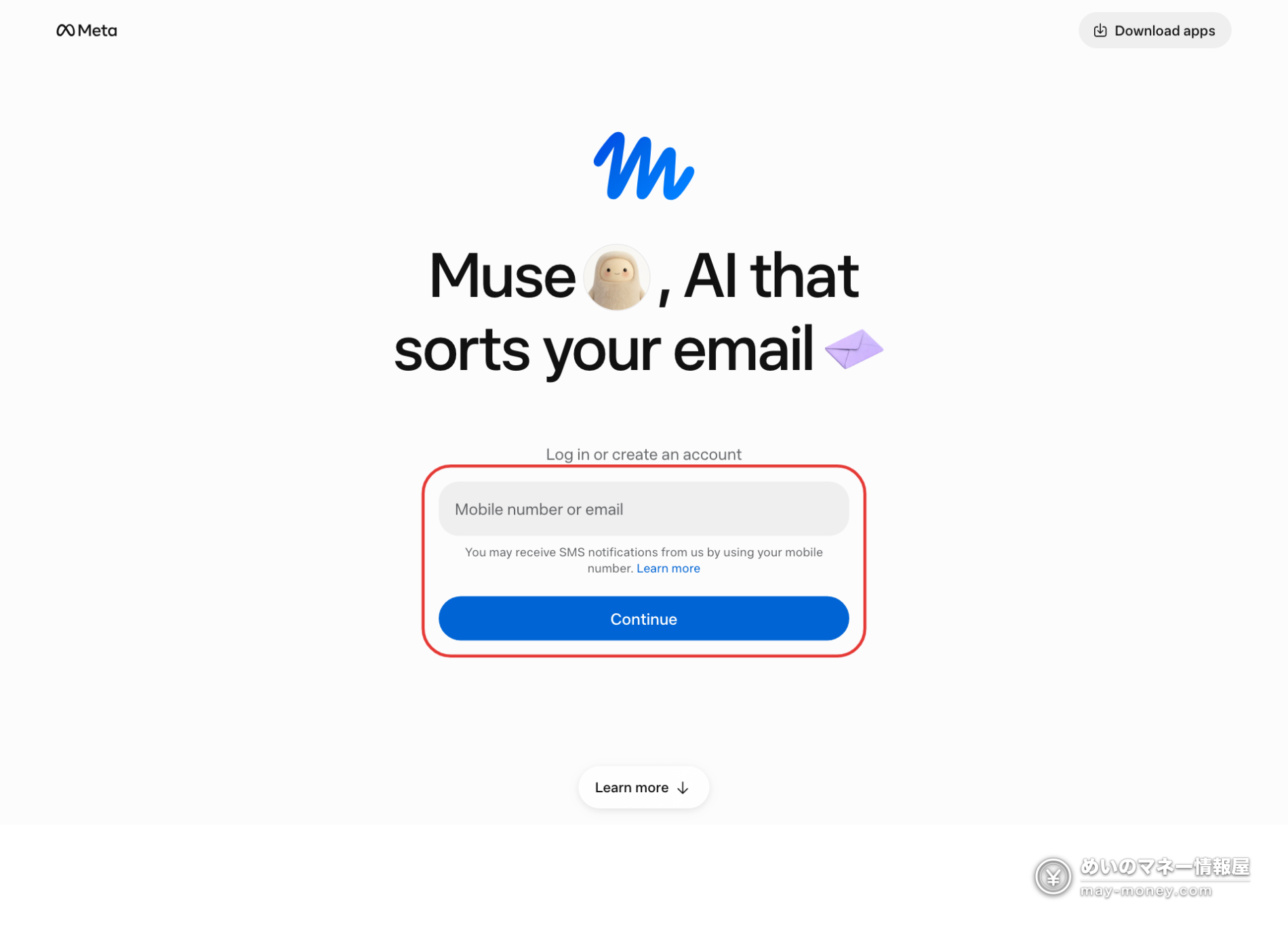
Muse runs on the iPhone and Android apps and on the web at muse.ai. You need a Meta account to log in, but you don’t need Facebook or Instagram: a phone number or email address is enough to create one.
- Open muse.ai or install the Muse app.
- Create an account with your phone number or email address.
- Within 48 hours, open Settings and enter MYI9YI in the invite code field.
- Once the code is accepted, you and the person who invited you each get 1 billion Muse tokens.
How much is 1 billion tokens? Compared with the paid plans
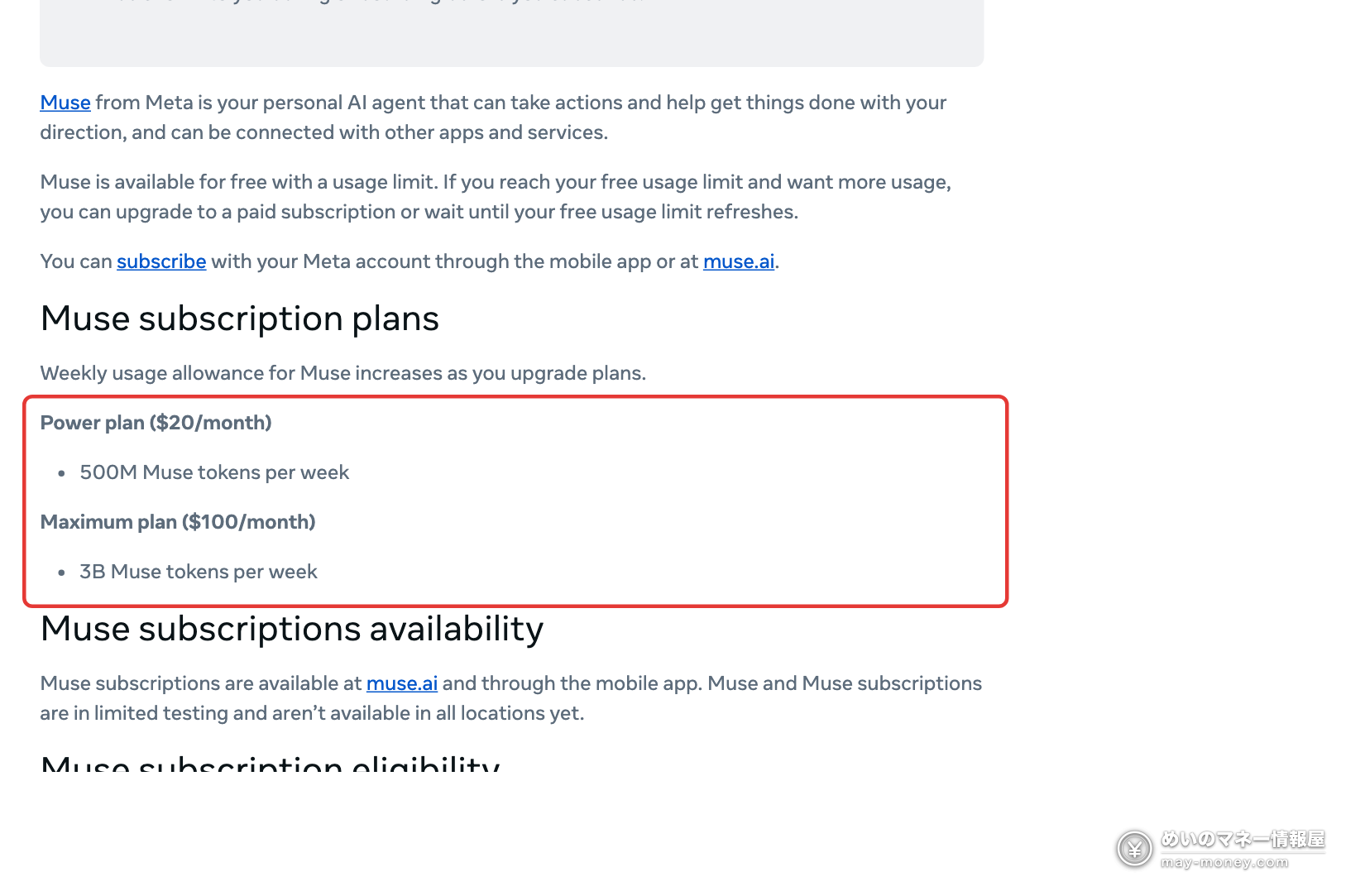
Muse is free to use with usage limits. Two paid plans raise the weekly limit for heavier users.
| Plan | Price | Weekly limit |
|---|---|---|
| Free | ¥0 | Limited (Meta doesn’t publish the number) |
| Power | $20/month | 500 million Muse tokens |
| Maximum | $100/month | 3 billion Muse tokens |
The 1 billion tokens from an invite equal two weeks of the Power plan. Meta doesn’t say how many tokens a task uses, so we can’t translate that into a number of tasks, but it’s a useful buffer for when the free allowance runs out.
Paid plans are for users 18 and over and renew every month until you cancel. Reports of the yen prices vary, so check the amount shown on the purchase screen in the app.
What Muse can do
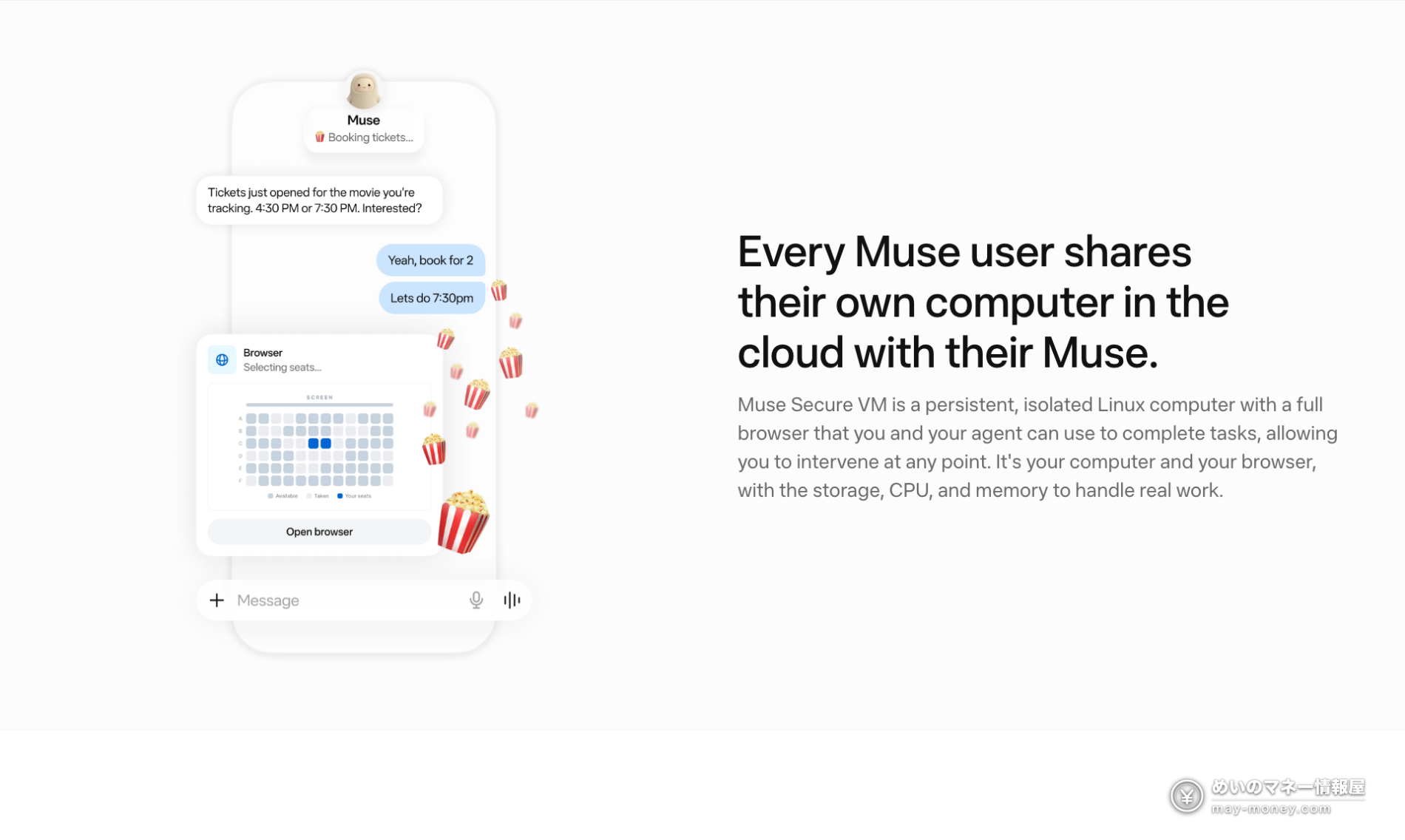
Muse is an AI agent that gets things done when you ask in a chat. Beyond answering questions, it can send emails, book trips and fill in web forms for you. Longer tasks keep running after you close the app, and you get a notification when your approval is needed. It runs on Meta’s AI model, Muse Spark.
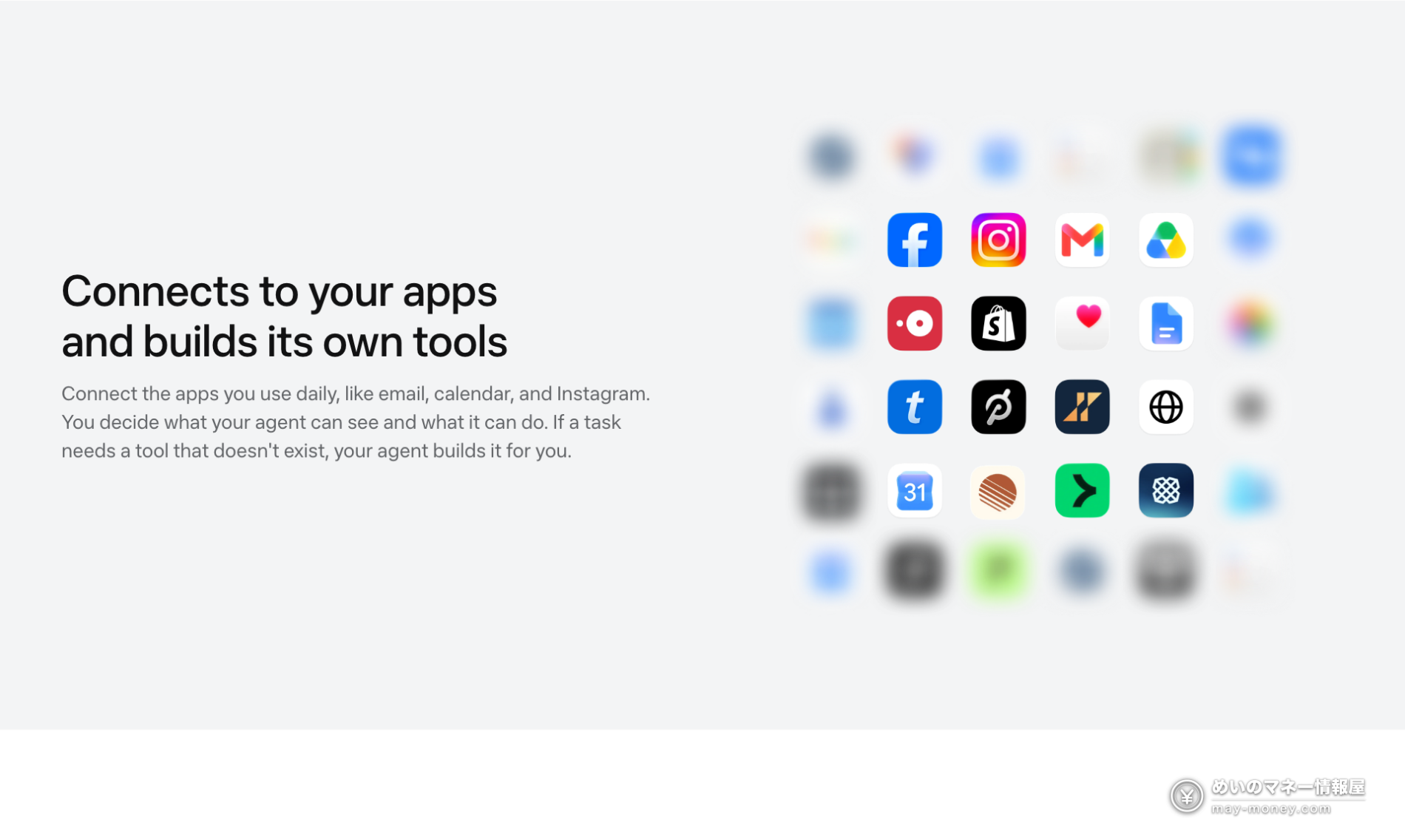
- Sort email, draft replies and send them (Gmail)
- Check and add events (Google Calendar)
- Book travel and hotels (Trip.com, Agoda, Klook)
- Shop online (Stripe, Shopify; it always asks before buying)
- Turn a recipe reel you saved on Instagram into a shopping list
For Japan, integrations with Mercari, Money Forward ME and Ticket Pia are in the works. Advanced voice mode, the real-time avatar and a dedicated Muse email address don’t have a Japan release date yet.
Privacy and safety: what to know first
Handing your email and calendar to an agent naturally raises questions about what it can see and do. Here’s how Meta says Muse works:
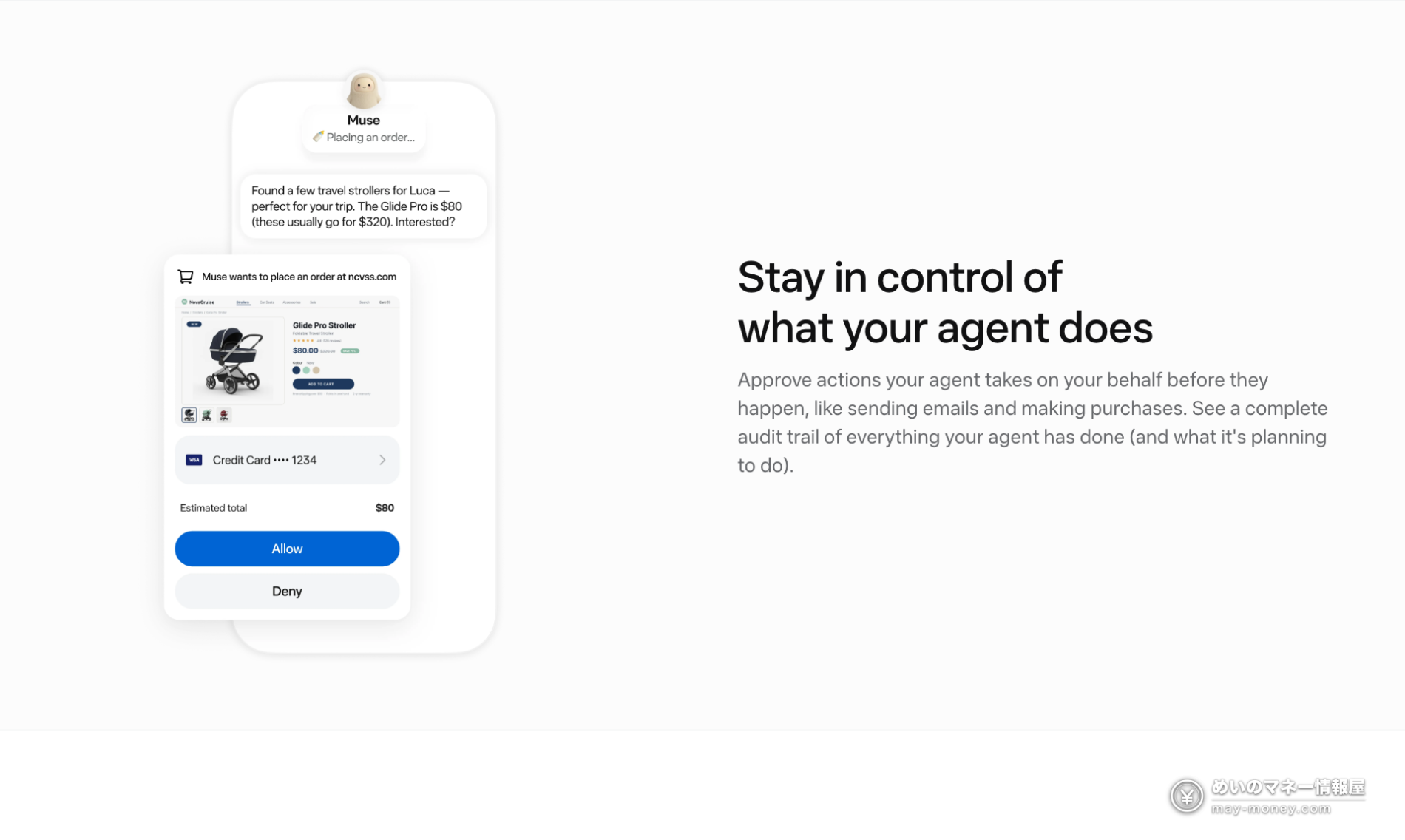
- It asks for your approval before important actions such as sending an email or buying something, and you can review a full history of what it has done and plans to do
- Muse can’t see your passwords or payment methods; when shopping, a one-time card number is generated at checkout
- Your conversations aren’t shared with Meta’s ad systems, and you can opt out of having them used for AI training
- You can change or revoke app permissions at any time
Keep in mind that these are Meta’s own claims. Some international media have pointed to Meta’s past privacy problems and urged caution. When you connect your email or calendar, grant only the access you actually need.
Muse invite code FAQ
Where do I enter a Muse invite code?
In Settings, in the app or on muse.ai. You have 48 hours from the moment you create your account.
I only found out about the code after 48 hours. Is it too late?
The bonus is tied to the first 48 hours after joining, so a late code won’t count. Open Settings and enter it right after you sign up.
How much can I do with 1 billion tokens?
Meta doesn’t publish how many tokens a task uses, so there’s no exact count. As a reference point, the paid Power plan allows 500 million tokens a week, so 1 billion is two weeks of Power usage.
Is Muse free?
Yes, with usage limits. When you hit the limit, you can upgrade (Power is $20/month, Maximum is $100/month) or wait for your free allowance to refresh.
What can Muse connect to in Japan?
Gmail, Google Calendar and Instagram, plus Stripe, Shopify, Trip.com, Agoda and Klook. Integrations with Mercari, Money Forward ME and Ticket Pia are in progress.
Can Muse see my passwords or card numbers?
According to Meta, Muse can’t see your passwords or payment methods, and it asks for your approval before sending emails or making purchases. Conversations aren’t shared with Meta’s ad systems, and you can opt out of AI training.
The code MYI9YI doesn’t work. What now?
Muse’s official X account says each person can invite up to 20 friends. If the code has reached that limit, use someone else’s code instead.
Once your account is set up, go to Settings and enter the invite code first. After 48 hours, you can’t claim it.
Looking for more sign-up bonuses? See our referral code list.


Get new articles by email
We will email you when a new deals article goes up. You can choose the categories, too.